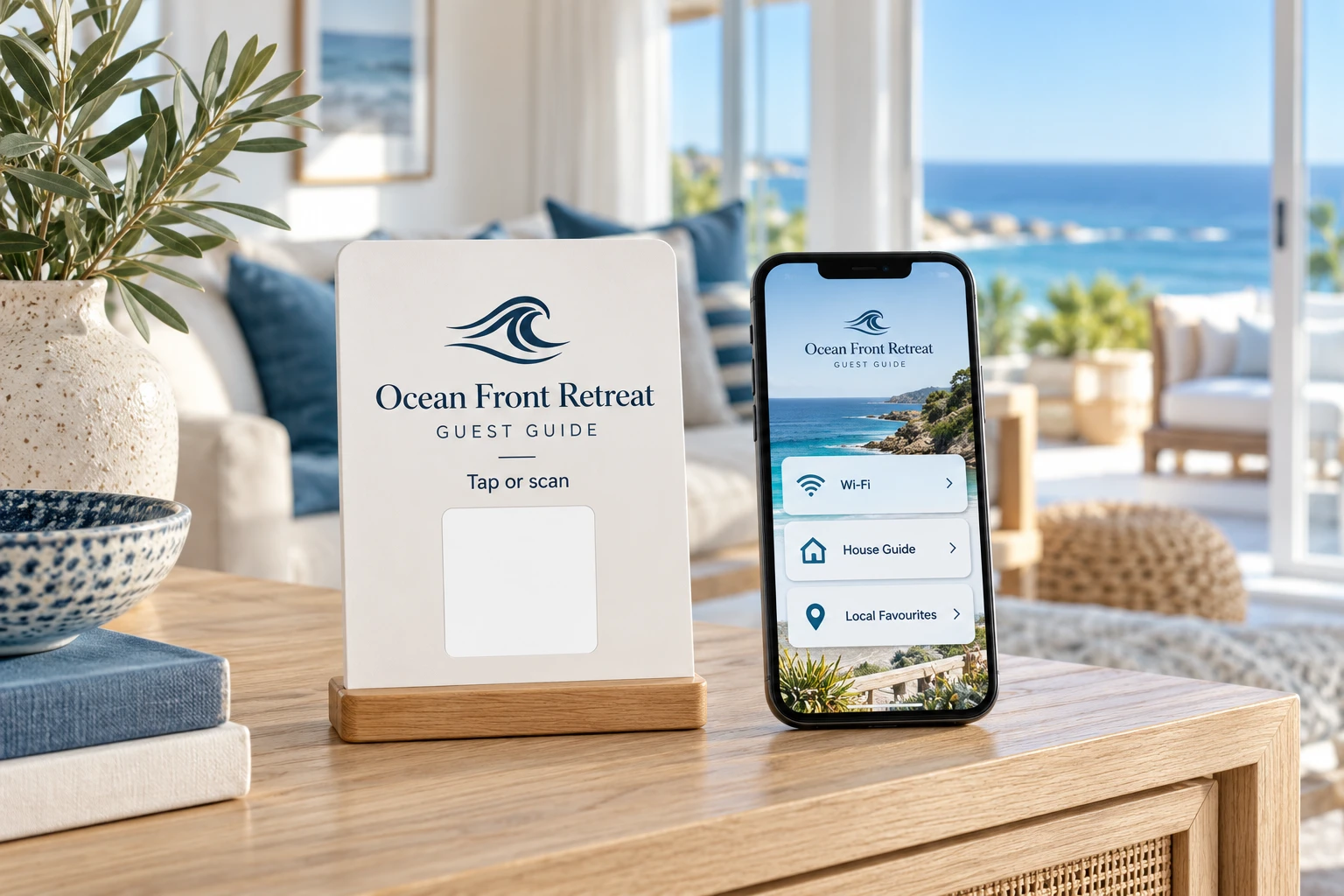
Product photos are illustrative examples. Material, colour, finish and availability are confirmed in your quote. Tap requires an NFC-compatible phone; QR scanning is another way to open the link. An internet connection is required.
MAKE IT YOURS
One Tuna Tag. A link that keeps up.
Use the website you already have, or create a Tuna Tag profile with your business details and an optional photo.
01
Activate with your email.
When your Tuna Tag is ready, tap or scan it and follow the activation steps. Create your account with the code sent to your email.
02
Choose where it opens.
Send visitors directly to your website, or show your Tuna Tag profile with your details, contact information and an optional photo.
03
Update it when you need to.
Sign in to change your profile or website destination. The same card or plaque and its QR code keep working with your updated link.
JUST THE TUNA TAG
Tell us what you’d like.
Choose your format and quantity. We’ll confirm your artwork, price, shipping and delivery timing by email before payment or production.
1. Send your request below.
2. Review your personalized quote and design.
3. Approve the details before payment and production.
This is an order request. No payment is taken here, and no order is confirmed until you approve the quote.
Use the notes to tell us whether the items need different names, logos or destinations. For more than 100 items, email us for a custom quote.
A FEW USEFUL ANSWERS
Before your first tap.
Can I order just a Tuna Tag?
Yes. Cards and plaques are available on their own. Use your existing website or a Tuna Tag profile; you do not need to buy a Tuna GO website package.
What will people see when they tap or scan?
The destination you choose: your website, an existing public page or your Tuna Tag profile. Visitors can open the public destination in their browser without signing in.
Can I change my link or profile later?
Yes. Sign in to your Tuna Tag account to change your website destination, business details or optional profile photo. You can also update your sign-in email after verifying the new address.
What is included in the quote?
Your quote confirms the chosen items and quantity, artwork and setup, applicable taxes, shipping, delivery timing and any ongoing service costs. You approve the full details before payment or production.
Does every phone support tapping?
Tapping requires a phone with NFC support. Scanning the QR code provides another way to open the destination. The phone needs an internet connection to load the website or profile.
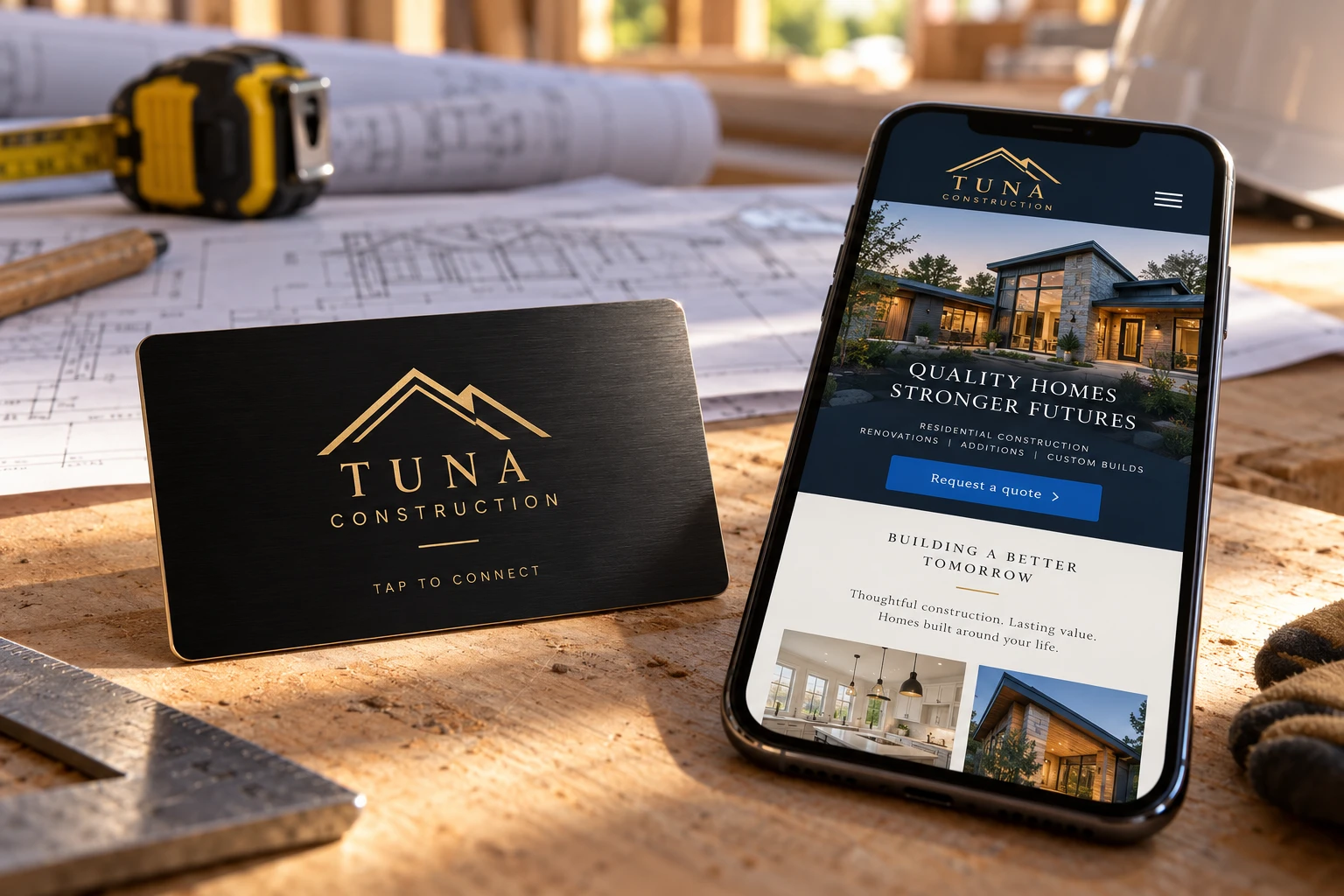 TAKE IT WITH YOU